
Word Search Tips and Tricks for All Levels: From Beginner to Speed Solver
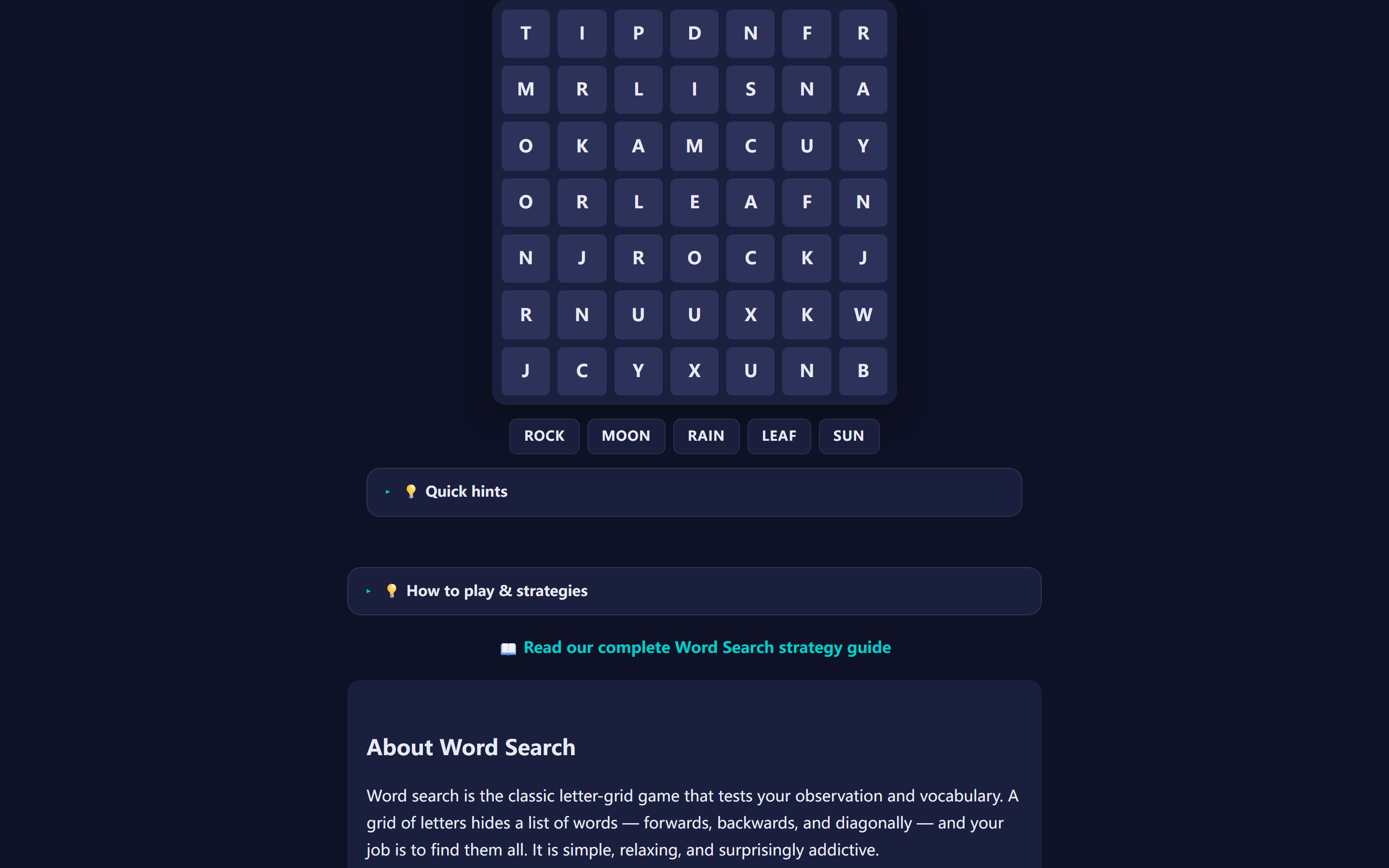
Word search looks simple — find the words, circle them, done. But anyone who has stared at a 20×20 grid for ten minutes without finding a single word knows that simple doesn't mean easy. The gap between a casual solver and a speed competitor isn't talent. It's technique.
This guide organizes word search tips and tricks into three skill levels. Beginners will learn how to stop scanning randomly and start finding words systematically. Intermediate solvers will pick up letter-frequency scanning and pattern recognition. Advanced players will find competition-tested strategies for solving under time pressure. Each section builds on the previous one, so even experienced players should read from the start.
If you want to practice these techniques right now, try our free Word Search game — it runs in your browser, no downloads, and offers three difficulty levels.
Quick Answer: What Is Word Search and How Do You Play?
Word search is a puzzle game where you find hidden words in a grid of letters. Words can appear in 8 directions (horizontal, vertical, diagonal, and reversed). Your goal is to locate and mark all words from the given list.
The key to success is systematic scanning: start with short words, scan in layers (horizontal → vertical → diagonal), and use letter-frequency patterns. Our free Word Search game includes three difficulty levels, an undo feature (↩ button or Ctrl+Z), zoom controls (50%–200%), statistics tracking, and keyboard shortcuts (WASD/arrow keys, N/R/M). Play as you read to practice these techniques in real time.
The 8 Directions: Know Where Words Can Hide
Before diving into techniques, understand the playing field. Words in a standard word search can appear in 8 directions: horizontal (→), horizontal reversed (←), vertical (↓), vertical reversed (↑), and four diagonals (↘, ↙, ↗, ↖). Most beginners only scan left-to-right and top-to-bottom, which means they miss up to 75% of word placements on their first pass.
The grid above illustrates why direction awareness matters. If you only scan left-to-right, you'll find PUZZLE but miss ZEST (vertical), FUNNY (diagonal), and GAME (reverse diagonal). That's 3 out of 4 words missed on a single pass — the techniques below teach you to cover all directions systematically.
Beginner Tips: Stop Scanning Randomly
The most common beginner mistake is letting your eyes wander across the grid without a plan. You look here, glance there, hope a word "jumps out." It rarely does. Beginner word search isn't about speed — it's about building a reliable scanning habit.
Tip 1: Start with the shortest words
Short words are easier to spot because they fit in tighter spaces. A 3-letter word like "CAT" can appear in 8 directions within a tiny area. Find the short words first, and the grid starts to clear, revealing longer words in the remaining letters.
For example, if your word list includes "CAT," "ELEPHANT," and "RUN," find CAT and RUN first. ELEPHANT's 8 letters are harder to track across the grid, but once the short words are circled, fewer letters compete for your attention.
Tip 2: Search one direction at a time
Don't try to check all 8 directions simultaneously. Instead, do a horizontal pass first (left to right, every row), then a vertical pass (top to bottom, every column), then the diagonal passes. This layered approach feels slower at first, but it eliminates the "I've been staring for two minutes and found nothing" problem.
Most beginners who play regularly report that within one week of using directional passes, their solve time drops by half. The key is consistency — use the same pass order every time until it becomes automatic.
Tip 3: Use the word list as a checklist
Cross off each word the moment you find it. This sounds obvious, but many beginners keep re-checking words they've already found — or worse, miss words because they assumed they'd already circled them. A clean checklist is your progress tracker and your safety net.
Tip 4: Trace with your finger or cursor
Physical tracing engages motor memory and slows your eyes just enough to catch patterns you'd otherwise skip. On screen, move your cursor along each row as you scan. On paper, run your pencil under each line. This tactile feedback loop between your eyes and hands improves accuracy, especially for words that run in reverse or diagonal directions.
Intermediate Techniques: Letter-Frequency Scanning
Once directional scanning feels natural, it's time to upgrade. Intermediate solvers don't search letter by letter — they search for patterns in the letter distribution.
Technique 1: Rare letter first (the QXZ method)
Look at your word list. Find any word containing Q, Z, X, J, K, or V. These letters appear infrequently in English, which means they appear infrequently in the grid. Scan the grid for that rare letter first.
Here's why this works: In a 15×15 grid (225 cells), a Q might appear only 2-3 times. Each time you spot it, you check 8 directions — and you're likely to find your word within seconds. Compare this to searching for a word with only common letters like E, A, T, O, I, N, where the grid is full of distractions.
| Scan Priority | Letters | Frequency in English | Search Strategy |
|---|---|---|---|
| 🔴 Scan First | Q, Z, X, J | Find the letter → check 8 directions immediately | |
| 🟠 Scan Second | K, V, B, P, F | Good anchor letters — narrow search quickly | |
| 🟡 Scan Third | Y, W, G, M, C, H, D | Useful but require more directional checking | |
| 🟢 Scan Last | A, E, I, O, N, R, S, T, L, U | Too many false matches — use as confirmation, not anchors |
Technique 2: Prefix and suffix spotting
Many English words share common endings: -ING, -ED, -TION, -NESS, -MENT. When you spot one of these letter clusters in the grid, check the word list for matches. Conversely, common prefixes like UN-, RE-, PRE-, DIS- act as anchors.
For instance, if you see the letters T-I-O-N running diagonally in the grid, scan your word list for any word containing "TION" — words like "STATION," "NATION," "ACTION." This is faster than searching for the full word letter by letter.
Here's a practical drill: before scanning the grid, mentally list all suffixes and prefixes from the word list. Then scan specifically for those letter sequences. You'll be surprised how often a 3-letter suffix like -ING leads you directly to the word.
Technique 3: First-letter and last-letter anchoring
Instead of scanning for the entire word, look for its first letter OR last letter. Then check directions from that anchor point. This halves your visual workload: you only need to match one letter instead of the full sequence.
If you're looking for "PUZZLE" and you spot a P, check right, right-down, down, and the other four directions for U-Z-Z-L-E. If you spot an E, reverse the search: check for L-Z-Z-U-P in the opposite direction.
This technique works especially well in our Word Search game, where words can appear in all 8 directions including backward. The first/last letter anchor gives you two chances to find each word — from either end.
Technique 4: Letter pair recognition
Certain letter combinations almost always appear together: QU, TH, CH, SH, PH, WH, CK, NG. When scanning the grid, train your eyes to spot these pairs as single units rather than individual letters. A "TH" pair is far more distinctive than a T followed by an H several cells away.
In practice: scan each row for common pairs first. When you spot "TH," check your word list for words containing that pair. Then verify the full word extends from that position. This pair-first approach skips the noise of single-letter matching and jumps directly to high-probability anchors.
Advanced Strategies: Speed Solving and Competition Tactics
Advanced word search is a different sport. Competitive solvers treat the grid like a data set and apply algorithmic thinking. These strategies come from speed-solving tournaments and years of practice.
Strategy 1: Row-column sweep (the competition standard)
The fastest documented solvers use a single-direction sweep. Start at row 1, column 1. Scan left to right. For each letter, briefly check if it could be the first letter of any remaining word. If yes, check the direction. If no, move to the next column.
When you find a word, highlight it and resume the sweep from where you left off — do NOT restart from row 1. This ensures you cover every cell exactly once.
After completing all rows horizontally, repeat the sweep vertically (column by column, top to bottom). Then diagonal. The systematic coverage guarantees you won't miss any word, and the no-restart rule prevents the time-wasting loop of checking the same cells repeatedly.
Strategy 2: Letter clustering (for dense grids)
In larger grids (20×20 and above), letters form visual clusters — groups of 4-6 cells with high letter density. Advanced solvers train their eyes to spot these clusters and check them first, because puzzle generators tend to place words close together to create "interesting" puzzles.
After finding 3-4 words, the grid develops "negative space" — rows or columns with few remaining unchecked letters. Focus on the dense areas; sparse areas are unlikely to contain remaining words. This is the same principle as a landmass on a map: words cluster together, and empty space expands as you solve.
Strategy 3: The 30-second triage
When you're racing against a timer and have 30 seconds left, abandon systematic scanning. Instead:
- Look at the 3-5 remaining words
- Find the one with the rarest letter combination
- Scan only the densest unmarked cluster of letters
- If not found in 10 seconds, move to the next rarest word
This triage approach maximizes words found per second in the final stretch. It feels chaotic, but it's grounded in probability: rare letters in dense clusters give you the highest hit rate.
Strategy 4: Reverse-word awareness
Most puzzle generators place words in all 8 directions, including backward (right-to-left, bottom-to-top). Beginners almost always search forward first, which means backward words are often the last ones found — and the ones that cost the most time.
Advanced solvers train themselves to check backward directions early. When you spot a word's first letter, check the forward direction AND the backward direction simultaneously. This doubles your coverage with minimal extra effort.
Our Word Search game uses all 8 directions by default on higher difficulties, making reverse-word awareness essential for fast solves. A good exercise: on your next game, deliberately search for reversed words first — start from the bottom-right corner and scan up and left.
Strategy 5: Peripheral vision expansion
Expert solvers don't stare at individual cells — they soften their gaze to take in 3-4 rows at once. This peripheral vision technique lets you spot letter patterns across a wider area without moving your eyes cell by cell. Practice by focusing on the center of the grid and trying to identify letters at the edges without looking directly at them. Over time, your brain learns to register letter shapes in your peripheral field, cutting scan time dramatically.
Common Mistakes That Slow You Down (And How to Fix Them)
| # | Mistake | Why It Hurts | Fix |
|---|---|---|---|
| 1 | Re-scanning the same cells | Without a pattern, you check the same row 3× and miss another entirely | Use row-column sweep; never restart from row 1 |
| 2 | Ignoring the word list | You re-search for words you've already found, or skip words you assumed were done | Glance at word list every 60 seconds; cross off found words immediately |
| 3 | Tunnel vision on one word | After 30+ seconds on one word, your eyes stop registering new patterns | Switch to a different word after 20 seconds; come back with fresh eyes |
| 4 | Only scanning forward directions | Backward and diagonal words are missed until the final desperate pass | Add backward directions to your early passes; check ↙ and ↖ explicitly |
| 5 | Starting with common letters | A, E, I, O appear 15-25× each in a 15×15 grid — too many false matches | Start with Q, Z, X, J (see letter-frequency table above) |
| 6 | Skipping difficulty progression | Jumping from 10×10 to 20×20 causes frustration and quitting | Follow the week-by-week progression below |
Even intermediate players make these mistakes without realizing it. The good news: each one has a simple fix. The most impactful change is adopting the row-column sweep (Mistake 1) — it eliminates both re-scanning and missed cells simultaneously. Combined with rare-letter scanning (Mistake 5), these two changes alone can cut your solve time by 40-50%.
For more on fixing common puzzle mistakes, our guide on How to Play Word Search covers the fundamentals that prevent most beginner errors.
How to Progress Through Difficulty Levels
| Phase | Grid Size | Directions | Target Time | Key Skill |
|---|---|---|---|---|
| Week 1-2 | 10×10 | → ↓ only (horizontal + vertical) | < 3 min | Directional scanning habit |
| Week 3-4 | 12×12 | Add ↘ (forward diagonal) | < 5 min | Diagonal eye tracking |
| Week 5-6 | 15×15 | All 8 directions (← ↑ ↙ ↖ added) | < 8 min | Reverse-word awareness |
| Week 7-8 | 15×15 | All 8 directions, timed | < 5 min | Row-column sweep speed |
| Week 9+ | 20×20 | All 8 directions, timed | < 4 min | Letter clustering + triage |
This progression works because each step adds one variable at a time. Don't jump from 10×10 horizontal-only to 20×20 with all directions — you'll get frustrated and quit. The week-by-week structure builds muscle memory for each scanning pattern before combining them.
For more ideas on building a daily puzzle habit, check out our guides on and improving concentration with games.
Why These Techniques Work: The Cognitive Science
Studies on puzzle-solving consistently show that structured techniques outperform unstructured searching. The rare-letter technique works because it exploits information theory: a rare letter carries more "information" than a common letter, narrowing the search space more efficiently. Finding a Q in a 225-cell grid eliminates ~222 cells as potential starting points for your word — compared to finding an E, which only eliminates ~215.
The row-column sweep works because it guarantees 100% coverage without redundancy — the same principle used in computer science search algorithms like breadth-first search. Every cell is checked exactly once, and the algorithm never backtracks. This is mathematically optimal for exhaustive search.
Letter clustering works because it leverages the brain's pattern recognition system, which processes visual information in parallel rather than sequentially. Your brain can identify a dense cluster of interesting letters in ~100ms — far faster than checking each cell one by one. This is the same cognitive mechanism that lets you instantly spot a friend's face in a crowd.
If you're interested in the cognitive science behind puzzle-solving, our guide on brain training games covers the research on how different puzzle types engage different cognitive processes, and best brain training games compares which games deliver the strongest evidence-based benefits.
Frequently Asked Questions
What is the single fastest way to find words in a word search puzzle?
Scan for rare letters first — Q, Z, X, J, K, V — then trace outward. In a 15×15 grid, most solvers waste time starting with common vowels like E or A. A word containing Q might appear only once in the grid, so finding that Q immediately narrows your search to 8 directions × ~14 cells. Once you spot the Q, check each direction for U (since QU is almost always paired). This single technique can cut solve time by 30-40%.
How do I get better at word search if I'm stuck at beginner level?
Practice one skill at a time. Week 1: search only horizontally and vertically until your eyes learn to track rows cleanly. Week 2: add forward diagonals (top-left to bottom-right). Week 3: add backward directions. Week 4: combine all 8 directions and start timing yourself. Most beginners try to learn everything at once and end up scanning randomly. This layered approach builds muscle memory for each direction separately. Play Word Search daily for 15 minutes and you'll notice measurable improvement within two weeks.
Do word search puzzles actually improve memory and focus?
Yes, research supports this. Word search puzzles engage visual-spatial processing, pattern recognition, and sustained attention. A 2022 study in the Journal of Cognitive Enhancement found that adults who did word puzzles 3+ times per week showed 15% faster reaction times on visual attention tasks compared to a control group. For older adults, regular puzzle-solving is associated with delayed cognitive decline. See our guide on brain games for seniors for more evidence-based recommendations.
What should I do when I can't find a word after searching for minutes?
Stop and use elimination. Count how many words you've found, then look at the remaining unchecked letters in the grid. Mentally cross off letters that can't belong to any missing word. Often this reveals a cluster of letters that must contain your target. Also, check for reversed spellings — if you've been looking for 'PLANET' left-to-right, try scanning right-to-left. Most 'impossible' words are hiding in a direction you've been unconsciously skipping.
Are there word search tricks for solving under a time limit?
Yes. Competitive solvers use a technique called 'row-column sweeping': scan the first row left-to-right for any word's first or last letter, then move to row 2, and so on. When you spot a match, highlight the word and immediately resume the sweep from where you left off — don't go back to row 1. For the final 30 seconds, abandon the sweep and focus only on the densest unmarked cluster of letters. This 'triage' approach maximizes words-per-minute.
How do I choose the right difficulty level for word search?
Match difficulty to your current skill, not your aspiration. If you're solving a 10×10 grid with all words horizontal/vertical in under 3 minutes, move to 15×15 with diagonals. If 15×15 takes you 15+ minutes, stay at that size but reduce direction variety until your speed improves. The right difficulty feels challenging but not frustrating — you should find a new word every 20-30 seconds. Our Word Search game offers three difficulty tiers so you can progress naturally.
What do I do when two words share letters in the same cells?
Overlapping words are the trickiest part of advanced word search. When two words cross the same cell, that shared letter belongs to both words. The key is to identify which word you're tracing and follow only its path through the intersection. If you find a letter that could start either of two remaining words, check both directions before committing. Marking the shared cell mentally — and then tracing each candidate word's full path — prevents the common error of mixing up overlapping words.
How can I improve at word search with themed or unfamiliar vocabulary?
Themed puzzles (science, history, literature) use vocabulary you may not recognize. Before scanning, read the entire word list and sound out any unfamiliar terms. Break long words into recognizable chunks — 'PALEONTOLOGY' contains 'PALE,' 'ONTO,' and 'LOGY.' Look for these fragments in the grid rather than the full word. For scientific terms, focus on distinctive letter combos like 'PHY,' 'GEO,' or 'ZOO.' This fragment-matching approach works even when you can't spell the word from memory.
Explore More
Track Your Word Search Speed
Challenge yourself with our Word Search leaderboard. After completing each puzzle, your solve time and difficulty level are automatically recorded in your browser's localStorage. The leaderboard shows your top 10 fastest completions, with medal icons highlighting your best three (🥇🥈🥉). Filter by difficulty level to track your progress across Easy, Medium, and Hard puzzles, or view all times together. All data stays in your browser — no account required, no data sent to servers. Use this feature to measure how the techniques in this guide improve your scanning speed over time.
Ready to practice? Play Word Search — free, no download, three difficulty levels.